

Label templates · Free PDFs
Label templates for your cans and bottles.
Select your container size below, download the sizing template, and design your label for your custom beverage project.
- 4 containers, 6 templates
- Every template is a PDF
- Rush available on Adhesive Wrap
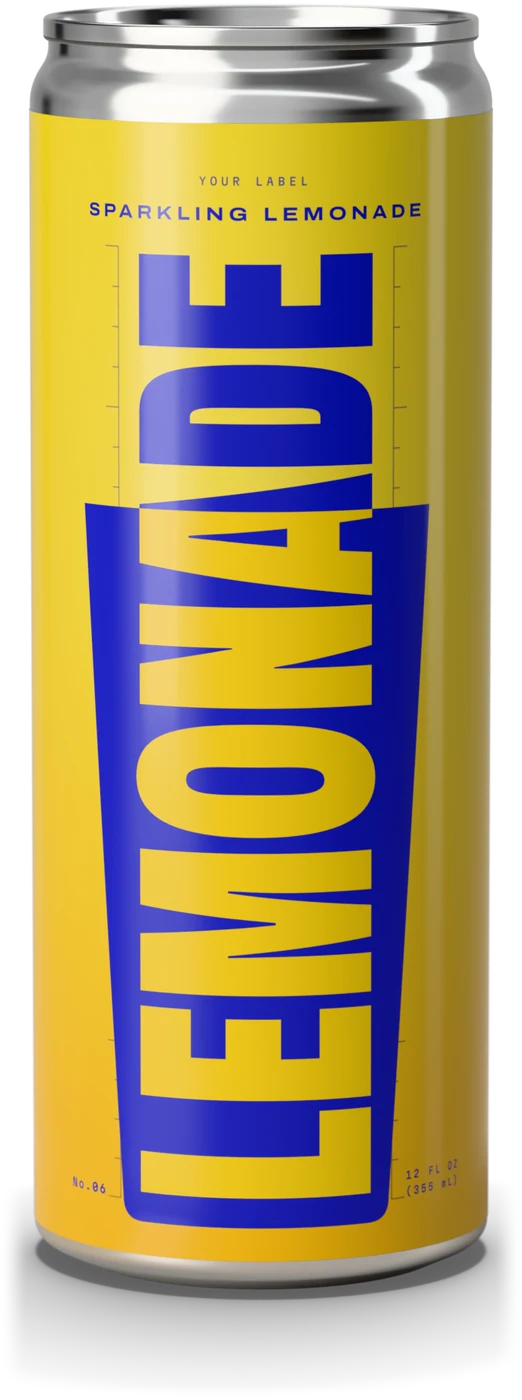 Adhesive Wrap
From 24 cans · Rush available
Adhesive Wrap
From 24 cans · Rush available
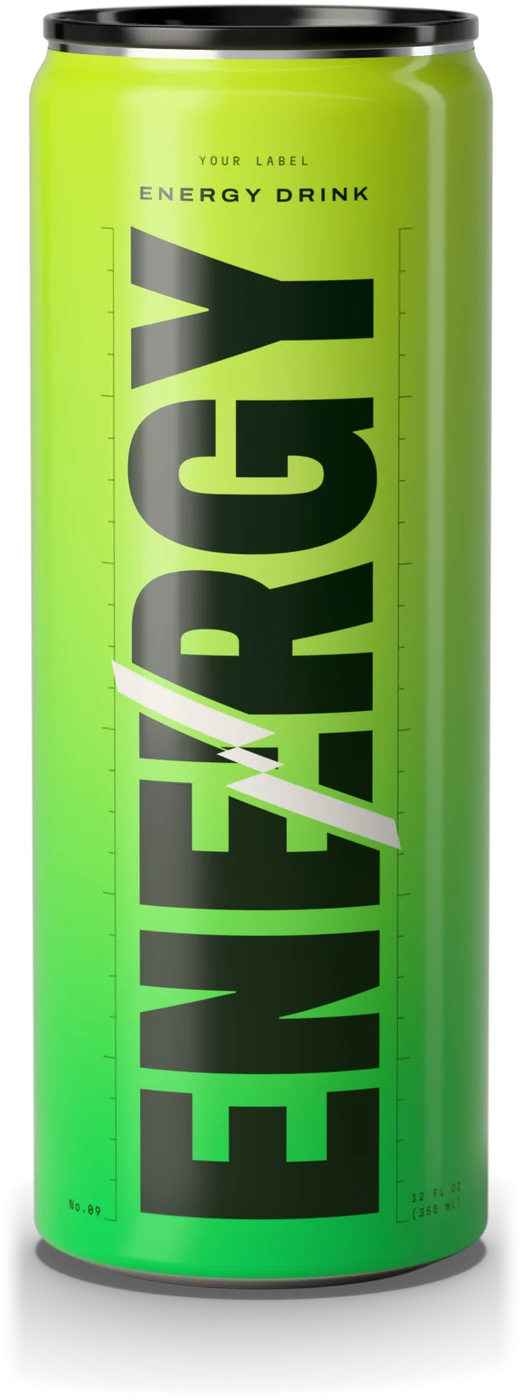 Direct-on-Metal
From 432 cans
Direct-on-Metal
From 432 cans
Six templates · PDF
Pick your template
-
Can, Sparkling / carbonated
8.4 oz Sleek can, Adhesive Wrap template
A printed adhesive label wrapped around the full can. Best for smaller runs and rush orders.- Coverage
- 360° wrap label
- Order size
- 24–1,200 cans (1–50 cases)
- 1200 DPI, glossy waterproof finish
- Color mode
- RGB
-
Can, Sparkling / carbonated
8.4 oz Sleek can, Direct-on-Metal template
Artwork printed directly onto the metal - no label. Ultra-premium top-to-bottom coverage.- Coverage
- Full top-to-bottom
- Order size
- 432+ cans (18+ cases)
- Ultra-premium finish, no label
- Color mode
- CMYK
-
Can, Sparkling / carbonated
12 oz Sleek can, Adhesive Wrap template
A printed adhesive label wrapped around the full can. Best for smaller runs and rush orders.- Coverage
- 360° wrap label
- Order size
- 24–1,200 cans (1–50 cases)
- 1200 DPI, glossy waterproof finish
- Color mode
- RGB
-
Can, Sparkling / carbonated
12 oz Sleek can, Direct-on-Metal template
Artwork printed directly onto the metal - no label. Ultra-premium top-to-bottom coverage.- Coverage
- Full top-to-bottom
- Order size
- 432+ cans (18+ cases)
- Ultra-premium finish, no label
- Color mode
- CMYK
-
Bottle, Still products
12 oz Amped bottle, Bottle label template
One template for this bottle: a single 360° wrap label that runs continuously around the bottle.- Coverage
- Single 360° wrap
-
Bottle, Still products
16 oz Sport bottle, Bottle label template
One template for this bottle: a single 360° wrap label that runs continuously around the bottle.- Coverage
- Single 360° wrap
Before you send it
Prepare your artwork
Six checks before you export. Every template has the guides built in.
-
300 DPI at final size
Minimum, at final print size. Never upscale low-resolution images: if it’s blurry on your screen, it will be blurry on your can.
-
RGB or CMYK
RGB for Adhesive Wrap labels. CMYK for Direct-on-Metal.
-
A print-ready file
A high-resolution PDF with bleed, or a flattened TIFF at 300 DPI, with fonts embedded or outlined and transparency flattened. From Canva, a high-resolution PNG. No native .ai or .psd files: they may contain missing fonts or unresolved linked files.
-
Respect the guide colors
Backgrounds out to the blue bleed. No critical text in the yellow overlap (on Adhesive Wrap and bottle labels). Text, logos and key elements inside the white safe zone.
-
Delete the guide layers
Delete both guide layers before you export your final print file, or make sure your artwork covers them.
-
Barcode inside the safe zone
At least 1″ wide, for reliable scanning. We add the nutrition panel, ingredients and other FDA-required text in the reserved space.
One label, all the way around
The front and the back
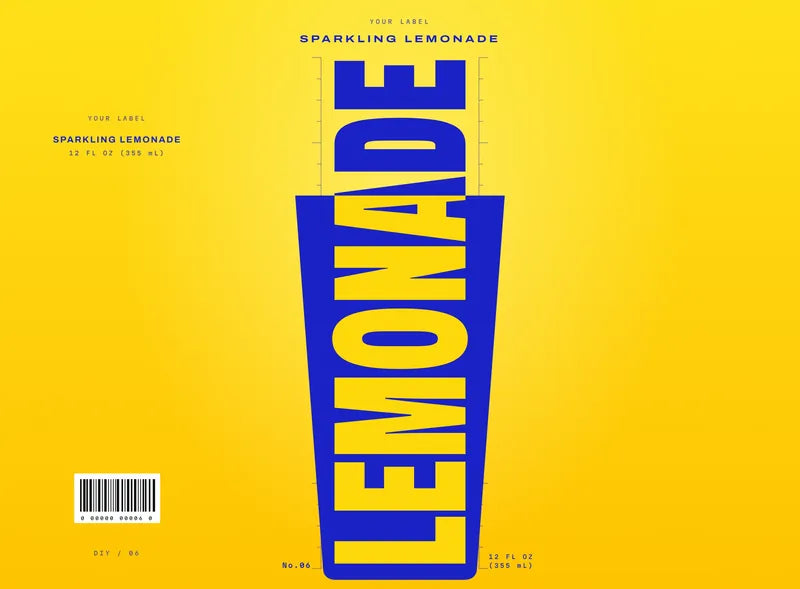

Front view
Back FrontPrincipal Display Panel Back
Your template is a single 360° wrap. Center your main design on the front, the Principal Display Panel. The label’s left and right edges meet at the back.
Then send it with your order
Upload it on the product page, as you build your drink, or email it to us afterwards. If we need any adjustments, we’ll reach out.
FAQ · Label templates
Have questions?
Templates, software, print specs, and file submission.
Template ready?Upload it on the product page, as you build your drink, or email it to us afterwards.
Start designingWhat software do I need to edit the label template?
Our templates are provided as multi-layer PDF files that we produced in Adobe Illustrator. Illustrator is recommended for vector-based designs - ideal for logos, text, and sharp graphics at any size. Alternatively, you can use raster-based photo editing software such as Photoshop if not using layers.
Can I use free software like Canva or Affinity?
YES, you can import our templates into Canva; it will not showcase the layers, but it will provide a sizing template for layout. Affinity Designer is an excellent affordable alternative for Illustrator files. Another is GIMP, which handles Photoshop files well too. Whatever software you use, export your final artwork at 300 DPI minimum.
What do the bleed and caution areas mean?
The blue BLEED area is NEAR where the label gets physically cut down for sizing - extend all backgrounds to this edge. The YELLOW label overlap area is where the label will overlap itself as it wraps around the entire container and meets itself again; no critical text should be in this area (but make sure to extend backgrounds and color). The white safe zone is the inner boundary - keep all critical text, logos, and important elements inside it. Delete both guide layers before exporting your final print file (or make sure your artwork is covering them up so they don’t appear visible on the print!)
What resolution should my artwork be?
300 DPI minimum at final print size. For Direct-on-Metal, the higher your resolution, the sharper the output. Never upscale low-resolution images - this creates visible blurring in the final print. In short, if it’s blurry on your screen, it will be blurry on your can.
Should I design in RGB or CMYK?
For all our Adhesive Wrap labels, we print in an RGB color space. For Direct-on-Metal printed cans, please use a CMYK color space.
What file format do I submit for printing?
Submit as a high-resolution PDF with bleed included, or as a flattened TIFF at 300 DPI. EMBED or OUTLINE all fonts and flatten all transparency layers. Do not submit native .ai or .psd files, as they may contain missing fonts or unresolved linked files. If working in Canva or other software, a HIGH RESOLUTION PNG is preferred. We will reach out if we need to have you make adjustments.
How do I upload my label artwork when placing an order?
On the product page, as you build your drink, after choosing your formula and packaging, you’ll be prompted to upload your artwork right on the page when placing the order. You can also place an order without artwork attached and just email it to us afterwards. If we don’t hear from you, we will reach out anyways :-)
What’s the difference between Adhesive Wrap and Direct-on-Metal templates?
Adhesive Wrap is a printed adhesive-backed poly label applied to the can exterior for orders of 24–1,200 cans, and is required if you need RUSH service. Direct-on-Metal means your artwork is printed directly onto the aluminum. This looks incredible and feels ultra-premium in hand, available for 432+ can orders. Each method requires a slightly different sized template, so download the correct one for your order type.
Do I design the front and back of the can separately?
No - the template is a single 360° wrap. Your entire design wraps continuously around the can or bottle. Design with your primary content centered on the front-facing side (we call this the Principal Display Panel). It is the left and right edges of the label that come together as they wrap around the container to make the “back” of the label.
Can I include a barcode or nutrition facts panel on my label?
Yes - if you have a barcode, this is the time to place it on your artwork. Best within the safe zone at a minimum of 1″ wide for reliable scanning. The nutritional panels, ingredient declarations and other FDA-required verbiage will be added by us in the dedicated reserved space.